OBD reader hardware
Jaguar F-Type OBD readers are used to get a lot of information from a modern car. I started with the cheapest one I could find on AliExpress. But this did not go well! After connecting the dashboard lit up with a bank of warning lights and many many error messages. Fortunately, after disconnecting and turning the car off and on things returned to normal.
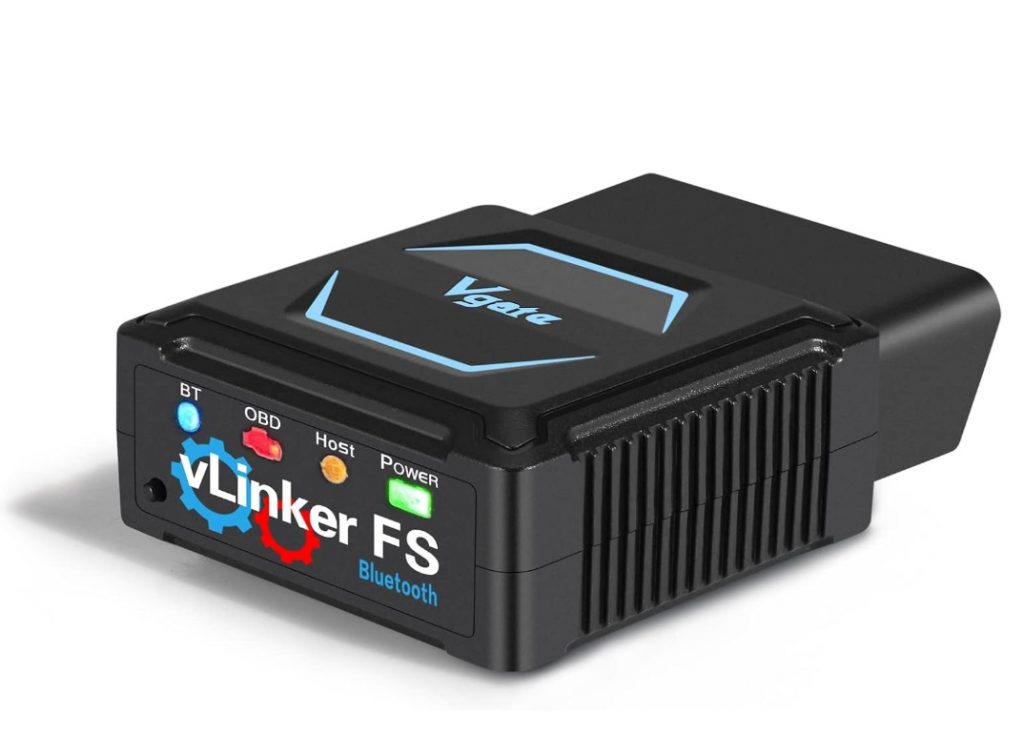
Next I did a little research. For dongles that can be controlled by apple devices you have 2 main types. The Bluetooth LE types that are cheaper but log data more slowly. While the FS types are quicker but require that the manufacturer enters some form of licence with Apple. So these are more expensive.
| DONGLE TYPE | THE TRADE OFF |
|---|---|
| Bluetooth LE types | cheaper but log data more slowly |
| FS types | quicker but require that the manufacturer enters some form of licence with Apple, so these are more expensive |
OBD reader software
Next to control the device you need software for your phone. For Apple CarScanner is the main one.

The first thing to do with a reader is to start scanning for fault codes. The first time is always a little nervy to see what the car and seller might not have been telling you! Anyway, all good for me this time!
After selecting the Jaguar OBD-II / EOBD + extra (CAN) connection profile over 100 sensors or derived readings become available to view and log in real time.
A couple of really nice features to mention. The app is CarPlay compatible. So if you would like to see readings such as transmission oil temperature, or boost pressure in real time you can have them displayed on the cars screen. The only tiny downside is they can only be displayed as numerical figures. The lack of graphic gauges I expect is an Apple carplay restriction.
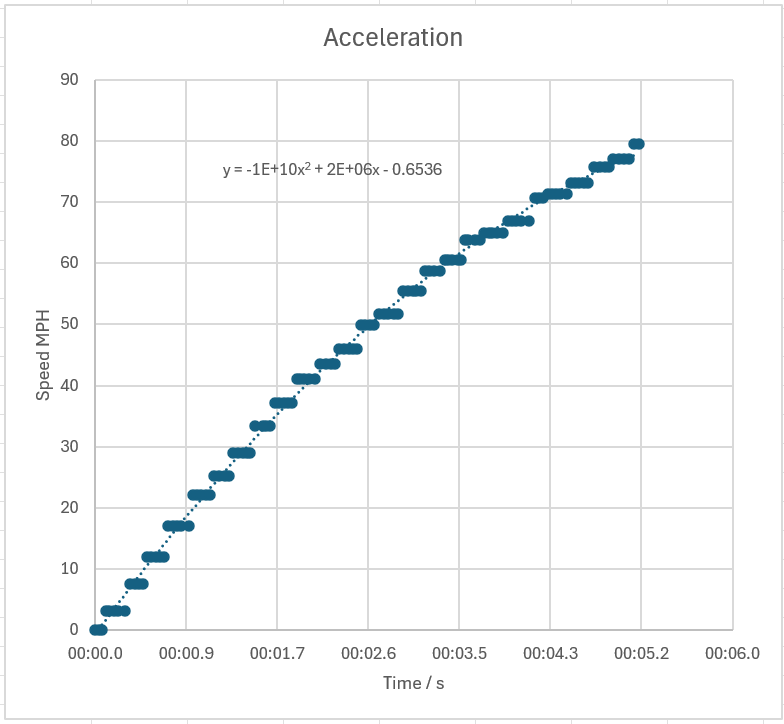
The other feature is the cars speed readout can be calibrated with GPS data. This allows more accurate acceleration figures to be obtained.
Ahhh, just thought of another nice feature, so that’s three. Data can be downloaded easily and imported into excel for graphing.
What’s not to like 🙂